
































 For general managers
Catch it on shift, not on Google
One scan at the table or in the room lets a guest tell you what’s wrong mid-service, while you can still fix it. A low rating or a reported problem becomes an alert for the duty manager you’ve named, and reviews, reply drafts and reports wait in one place.

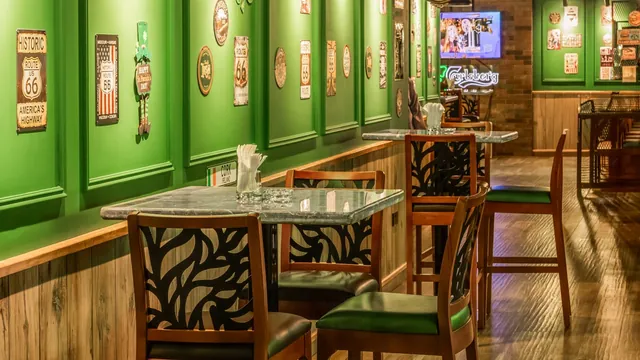
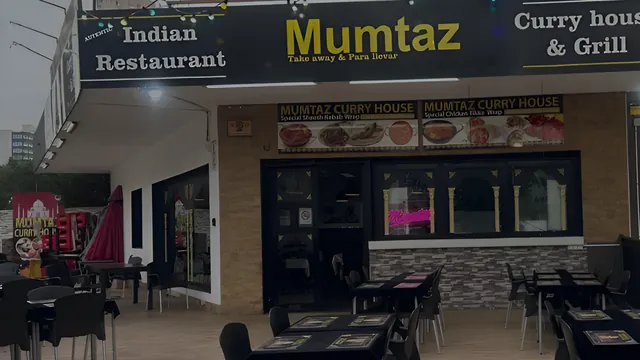

Hear about it while the guest is still here
A poor review is often a problem nobody heard about in time. With a code on the table or in the room, a low rating or a reported fault alerts a manager who can put it right while the guest can still leave happy and come back.
- A code at the table, in the room or at the door, with no app or login for guests
- WhatsApp to the person, role or area you pick, plus email, Telegram and in-app alerts
- Each alert becomes a numbered case with an owner until it’s resolved
Every review answered, every week summed up
Google, Tripadvisor and Trustpilot reviews arrive in one inbox every day, each with a reply drafted in your venue’s tone for you to check and post. Every week, a written report names the topics guests raise, your top staff and one thing to try.
- Filter by site, by rating or by replies still pending
- Replies drafted for you: check, copy and post them yourself
- Reports daily, weekly, monthly or quarterly, in each reader’s language
The tools general managers use most
The tools a GM opens during service: alerts, cases, the inbox, the team, the numbers.
- SOS AlertsLow ratings and reported problems reach the right person in minutes, while the guest is still there.Learn More
- Guest IssuesEvery alert opens a numbered case with an owner, kept open until it’s resolved.Learn More
- Review Inbox & AI RepliesGoogle, Tripadvisor and Trustpilot reviews in one daily inbox, each with a reply drafted for you to post.Learn More
- Staff & LeaderboardsCredit each rating to the team member whose code the guest used, and recognise the people who ask.Learn More
- Dashboard & AnalyticsYour venue at a glance: ratings, alerts and staff, so the day starts with what needs attention.Learn More
- AI Reports & SentimentSentiment and topics from your feedback, a forecast, and a weekly report with one thing to try next.Learn More
Get the whole team behind it
Every team member has a QR code and wallet card, so ratings from guests they ask are credited to them, and the leaderboard recognises who asks.
- Import your team from a CSV or a pasted list
- A personal code or wallet card, so each rating is credited to whoever asked
- Weekly or monthly leaderboards with Bronze, Silver and Gold tiers
Questions from general managers
How will I hear about a problem during a shift?
Each alert says where it happened, what the guest said and a suggested next step. The person, role or area your routing rules name gets it on WhatsApp, with email, Telegram and in-app alerts for the team. If nobody acknowledges it within two hours, it’s escalated and every recipient is emailed again.
Do my staff need to learn a new app?
Not to get going. Alerts reach the phones they already carry, on WhatsApp, Telegram or email, and guests download nothing: they scan a code or tap a card. Managers work in the Monty dashboard in any browser.
Can Monty reply to reviews for me?
It drafts one in your venue’s tone, with up to three versions to choose from. You check it, copy it and post it from your own account.
Is it allowed to ask every guest for a review?
Google’s review policy and UK consumer law set the rules. Every guest who scans can reach a public review link unless you mark their area internal-only. A rating below your threshold opens a private form and alerts a manager, and the public link stays.
How does setup work?
We set most of it up with you on a call: your review page, your alert rules, your team, and codes designed ready to print. Book a demo and we’ll walk through it for your venue.
Does it work across more than one venue?
Yes. Each general manager runs their own venue, and owners and area managers see every venue side by side.
Built for every role in your venue
The same guest journey, seen from where you sit. Pick the page that fits your job.
-
Owners & Operators
See every venue side by side, with feedback, offers and follow-up working together.
Learn More -
Marketing Managers
Reviews built into the visit, and a guest list that grows as guests leave their details.
Learn More -
Operations & Area Managers
See which venue needs support, what keeps recurring and how fast each team responds.
Learn More -
Agencies & Partners
Sign venues up, run them from one portal, and earn commission on the ones you bring in.
Learn More